What does it capture from my screen?
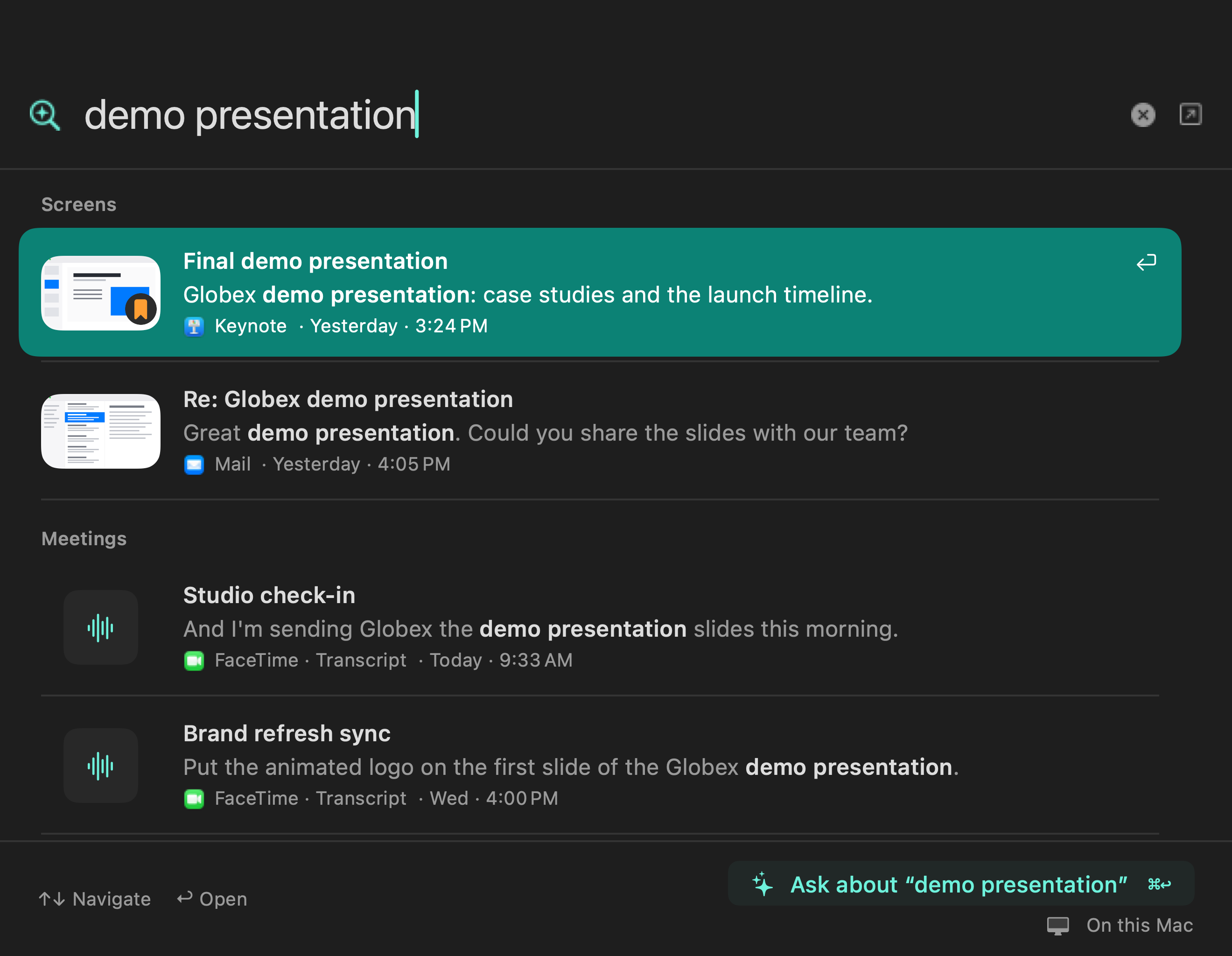
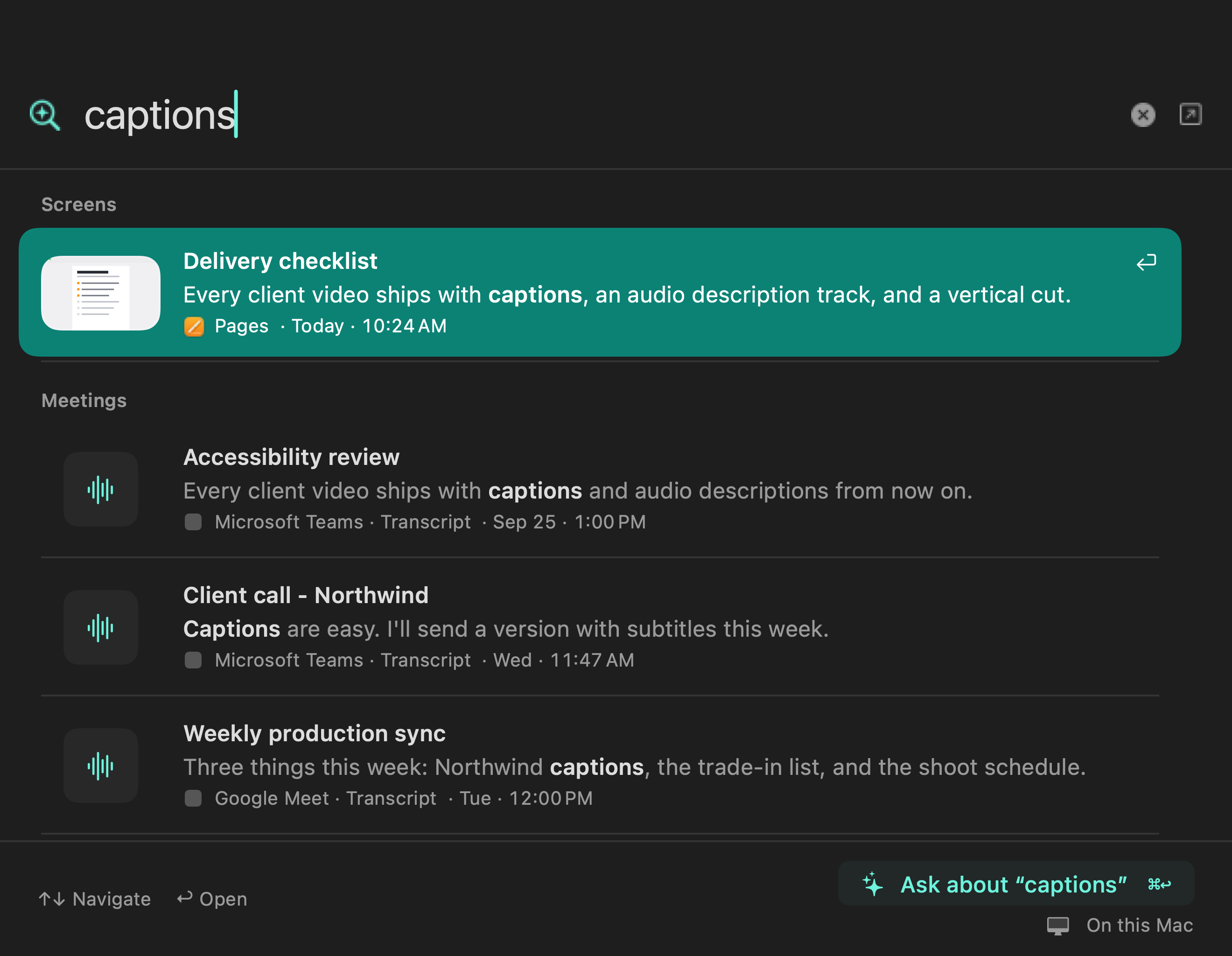
New installs start with activity-only tracking. You can turn tracking off, save visible text without pictures, or add encrypted screenshots. Text and screenshots are opt-in. Excluded apps and sites, password managers, and focused password fields are skipped. Private browser windows are captured like any other window, so exclude the browser or site to keep them out. Captured text and screenshots are deleted after 14 days by default. Moments you explicitly save stay until you unsave or delete them.
Does anything leave my computer?
Recordings and built-in processing stay local. Network access covers model downloads, update checks, and optional agent setup. A remote model receives the context needed for a request only after you approve its server. Approved agent commands can also access the network. Connected CLI or MCP tools have their own data handling; meeting and screen-memory access have separate permissions. See the privacy policy.
Can I choose my own models?
Yes. Start with the built-in local models, choose another downloaded model, or connect Ollama, an OpenAI-compatible server, or, on Mac, Apple Intelligence. Summaries and chat can also run on your own ChatGPT or Claude plan, with no API key. A remote server or plan gets context only after you approve it. Transcription, summaries, and autocomplete have their own model choices. See the transcription model guide and offline setup guide.
Which languages does it support?
Transcription covers 52 languages and dialects with the default Qwen3-ASR model, and alternatives such as SenseVoice for Chinese, Japanese, and Korean are available in Settings. Meeting notes are written in the meeting's language unless you choose another, and the app itself is translated into 24 languages. On Mac, autocomplete also keeps up in German, French, Italian, Spanish, and more.
Is LokalBot free?
Yes. LokalBot is free and open source under GPLv3. There is no account, subscription, or LokalBot server. See the fact sheet for what it includes.
What does it run on?
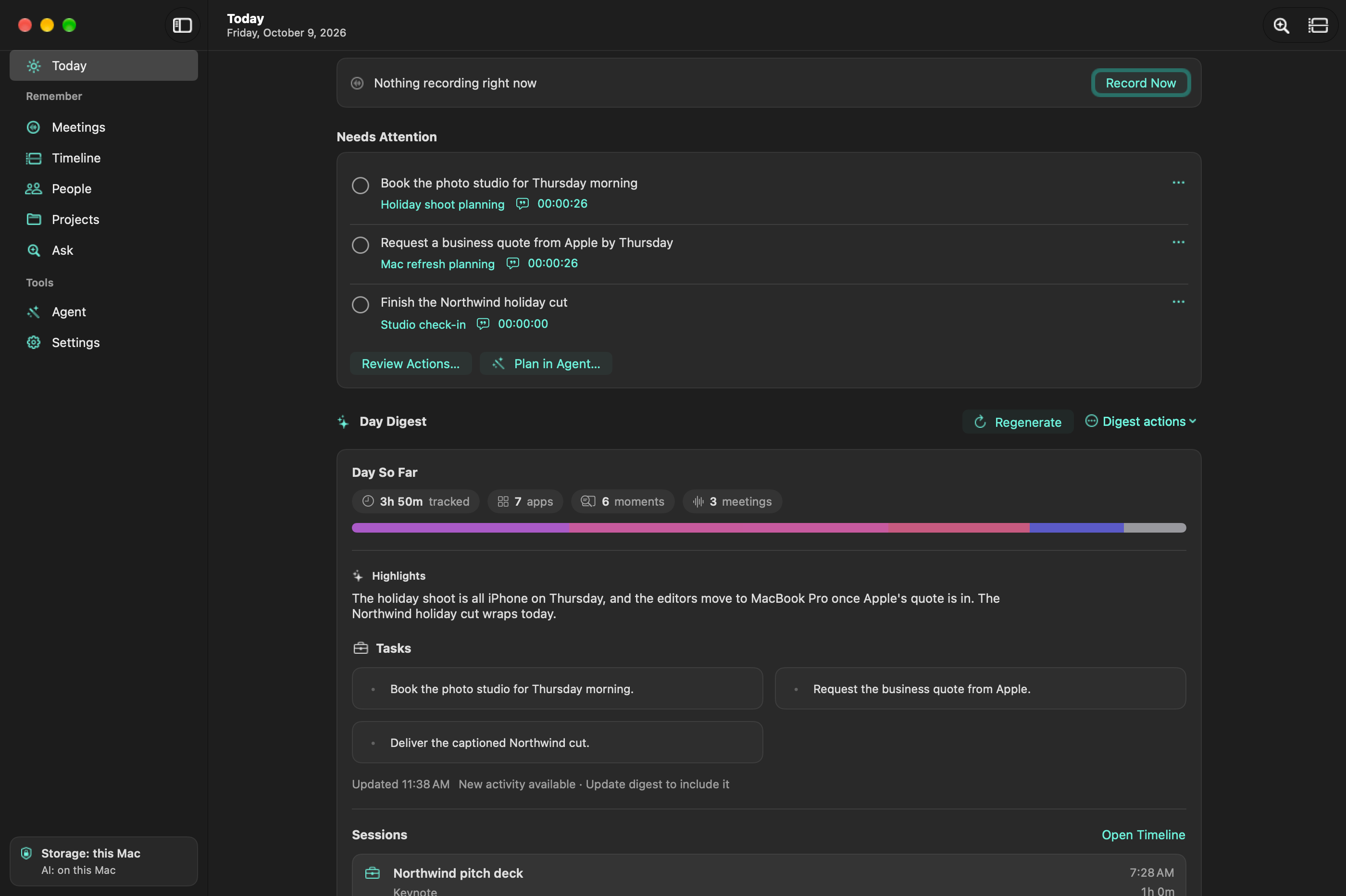
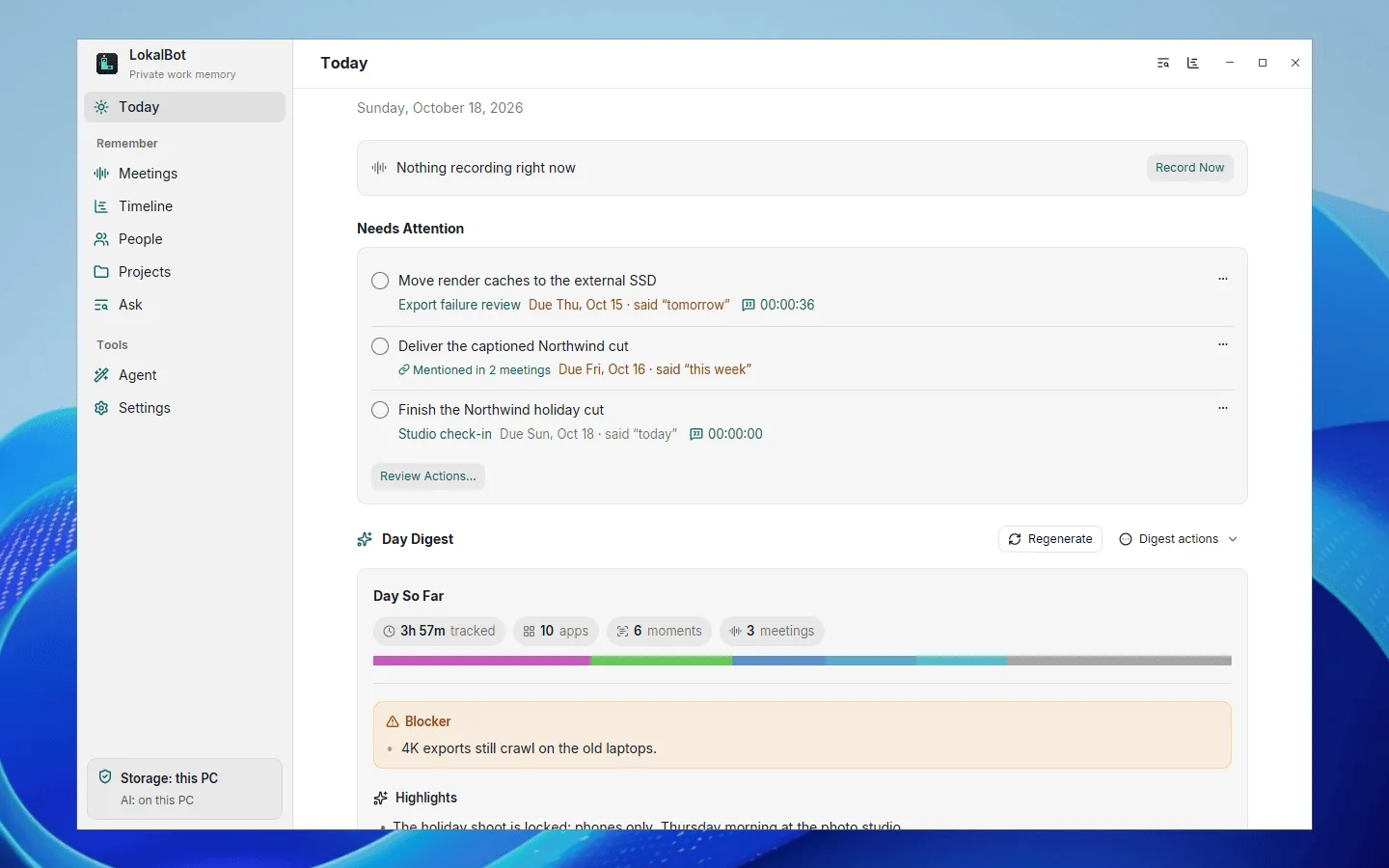
Apple Silicon Macs (M1 or later) with macOS 15 or later, plus Windows 10 and 11 (x64) and 64-bit Linux in alpha. Intel Macs are not supported, and a few features are Mac only for now. Check the system requirements for memory, disk space, and what each platform supports.
Does a bot join my meetings?
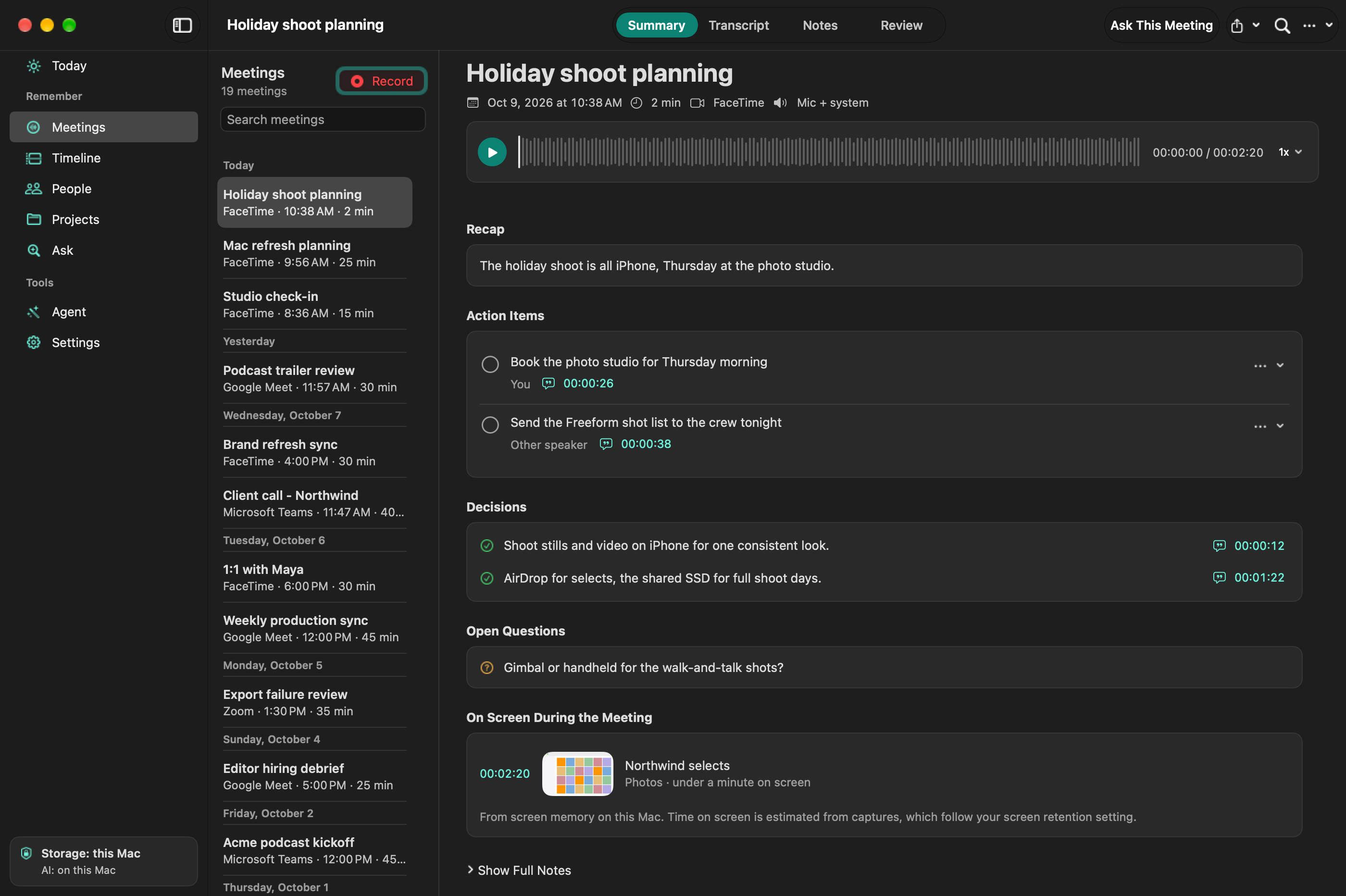
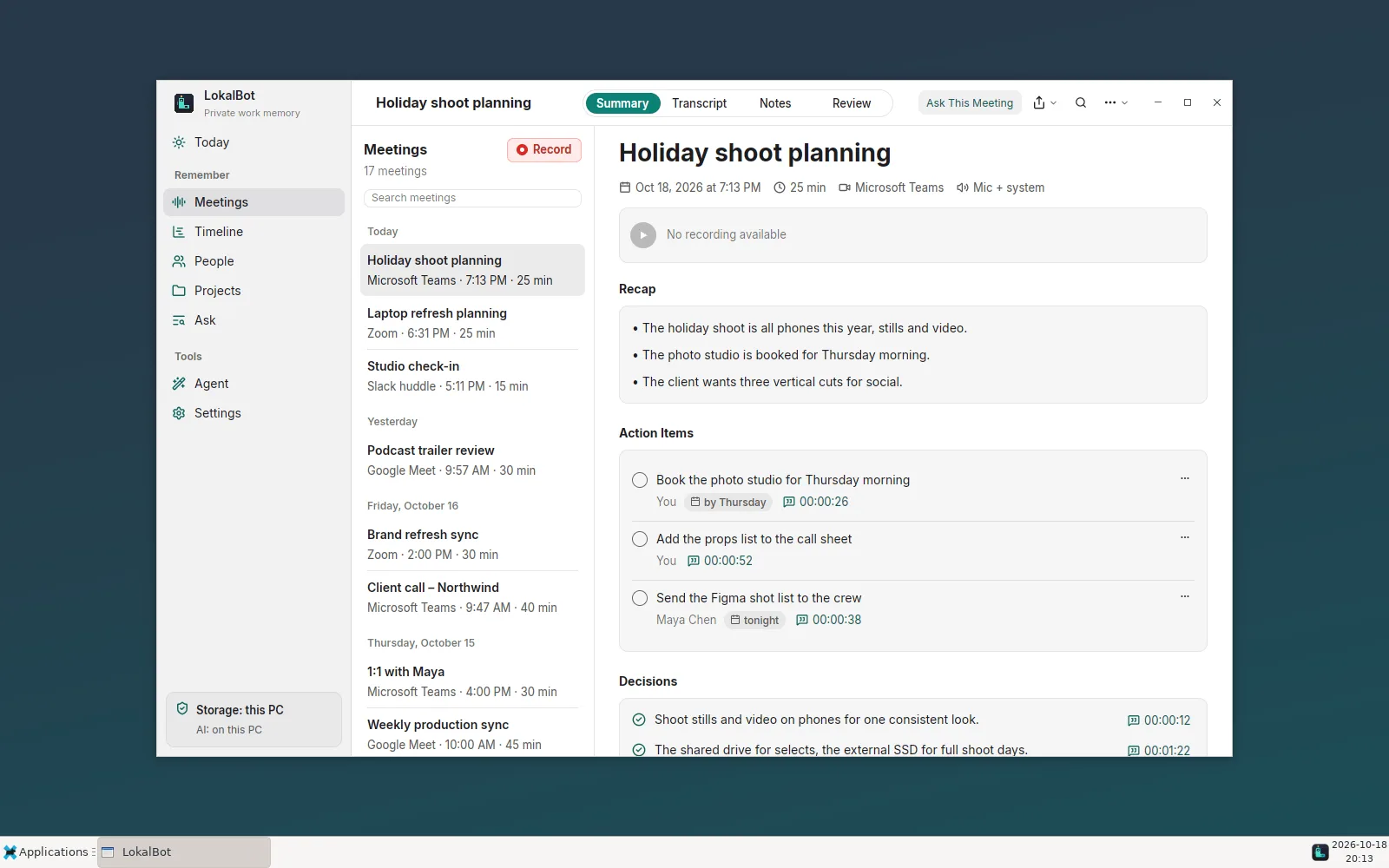
No. LokalBot records your microphone and the meeting's audio on separate tracks; on Windows and Linux the second track is everything your computer plays. Let participants know you're recording and get their consent. Read how recording works.